
How Secure Are Online PDF Editors? A Network Resmon Audit & Deep Technical Analysis
The Anatomy of a Cloud PDF Upload
When you use a browser-based PDF converter or editor, your document undergoes a complex multi-hop cloud journey:
- Inbound TLS Transport: The PDF is sent via HTTPS POST request to the web application's load balancer.
- Cloud Object Storage Staging: The file is written to an Amazon S3, Google Cloud Storage, or Azure Blob bucket.
- Asynchronous Job Queue: A background worker container (running Python, Ghostscript, or LibreOffice) downloads the file, processes it, and writes the output back to cloud storage.
- Public/Signed URL Generation: A temporary download link is served back to your browser.
Even if the vendor promises that "all files are deleted after 60 minutes," your confidential data resides in shared multi-tenant memory and storage during that window, exposing it to potential container breakout vulnerabilities, misconfigured S3 bucket permissions, and internal insider threats.
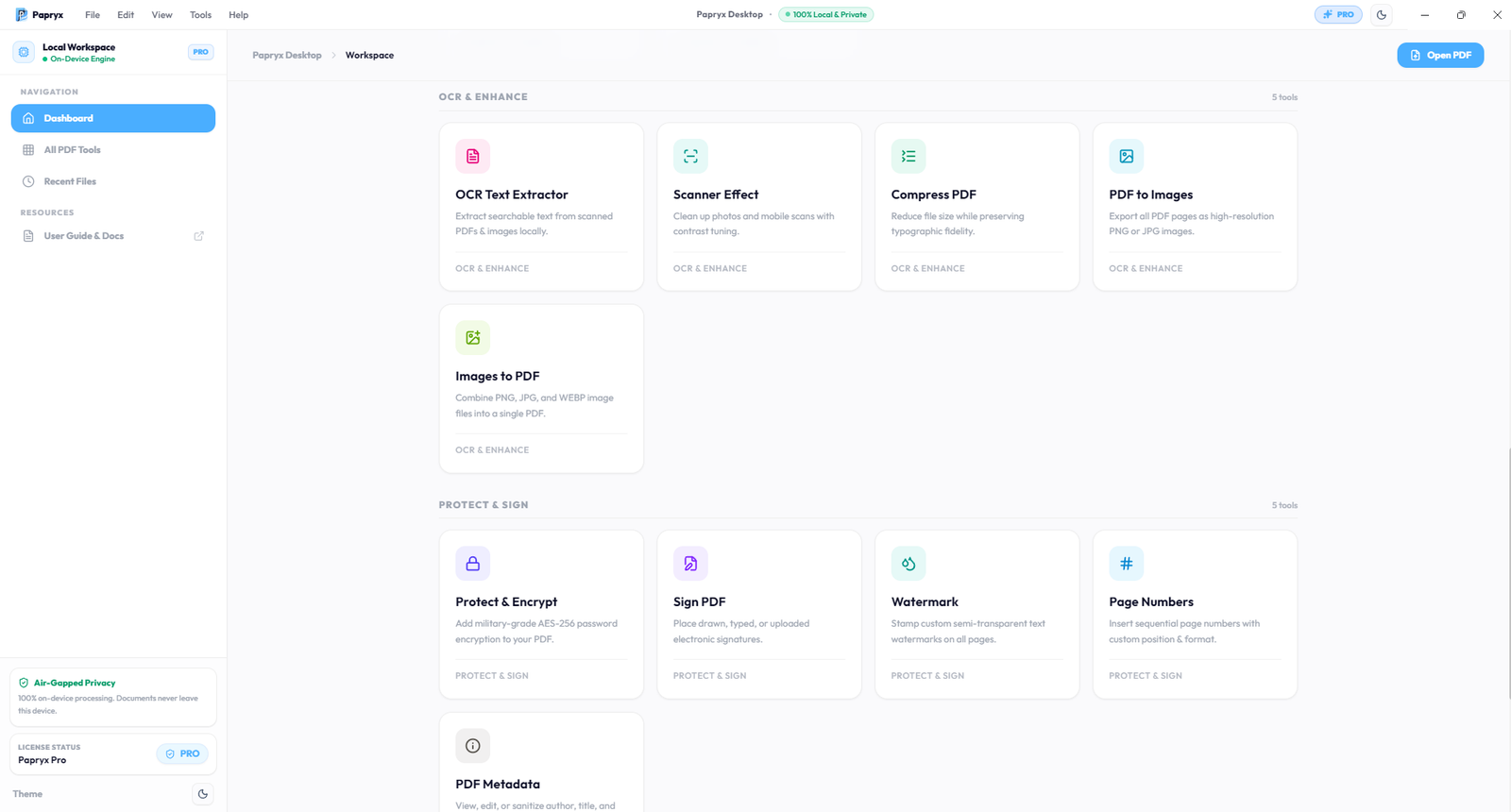
Papryx Desktop Security Suite — Vector sanitization, metadata stripping, and permanent redaction executed strictly on 127.0.0.1.
Regulatory & Compliance Implications (GDPR, HIPAA, DPDPA)
For enterprise organizations, uploading employee IDs, patient records, or financial balance sheets to third-party web tools creates immediate regulatory non-compliance:
- GDPR Article 28 & 44: Uncontrolled cross-border data transfer to unvetted cloud sub-processors without Data Processing Agreements (DPA).
- India DPDPA 2023: Failure to implement reasonable security safeguards to prevent personal data breaches.
- HIPAA Privacy Rule: Disclosure of Protected Health Information (PHI) to non-BAA cloud vendors.
How to Audit Network Egress with Windows Resource Monitor
You do not have to blindly trust marketing promises. You can independently verify that an application never transmits data by using Windows Resource Monitor (resmon.exe):
Step 1: Open Resource Monitor
Press Win + R, type resmon.exe, and press Enter.
Step 2: Filter by Process
Navigate to the Network tab. Under Processes with Network Activity, check the box next to Papryx.exe and papryx-sidecar.exe.
Step 3: Inspect Network Connections
Expand the Network Activity and TCP Connections panes. When opening, editing, OCR-scanning, or compressing multi-gigabyte PDF files in Papryx Desktop, you will observe:
- Local Loopback Only: Activity is restricted strictly to
127.0.0.1(the local on-device document processing engine). - 0 Outbound WAN Packets: Zero bytes are transmitted to any external IP address or remote cloud endpoint.
Why Air-Gapped Workstations are the Gold Standard
True security is architectural, not contractual. By eliminating cloud dependencies entirely, Papryx Desktop guarantees:
- Physical Air-Gap Compatibility: Full editing and OCR capabilities remain 100% operational with Wi-Fi disabled or Ethernet cables disconnected.
- Zero Data Telemetry: No document hashes, metadata dictionaries, or font glyphs leave your workstation.
- Local NVMe SSD Speeds: Instant file I/O with zero bandwidth throttling or queue latency.
Conclusion
While online PDF editors provide convenience for trivial files, they present severe privacy risks for professional and corporate documentation. Adopting an air-gapped local workstation like Papryx Desktop eliminates third-party exposure while ensuring total compliance with global data privacy mandates.
Frequently Asked Questions
Is it safe to upload confidential PDFs to online editors?
No. Uploading sensitive financial, legal, or medical PDFs to online editors exposes your data to shared cloud storage and third-party processing queues, which can violate GDPR, HIPAA, and corporate security policies.
How can I prove an editor is truly working offline?
Open Windows Resource Monitor (resmon.exe) or Wireshark, filter by the applications process name, and observe TCP connections. An air-gapped editor like Papryx will show 0 external outbound network packets.
Try Papryx Desktop on Windows
Experience precision PDF text editing with original layout preservation, offline Tesseract OCR, and zero cloud uploads. Request early evaluation access today.